Overview
Many UH Computer Science and Engineering students want to learn about internship and job opportunities, but currently, they must wait until a company reaches out with a visit or announcement. There is no centralized way for students to explore the landscape of opportunities and prepare in advance.
Campus Careers solves this by offering a new way for local and non-local companies to share potential opportunities with UH students. It also allows students to showcase their interests and get matched with companies looking for their skill sets.
Team
-
Mason Lee
-
Phoebe Chang
-
Jayden Huynh
-
Kristian Soares
-
Alexander Chang
Goals
The goal of Campus Careers is to:
- Help companies promote internships and job opportunities to UH students in a more consistent, ongoing way.
- Allow students to create professional profiles with interests and skills.
- Match students and companies based on compatibility.
- Provide admins tools to moderate the site and manage skill/location categories.
Features
-
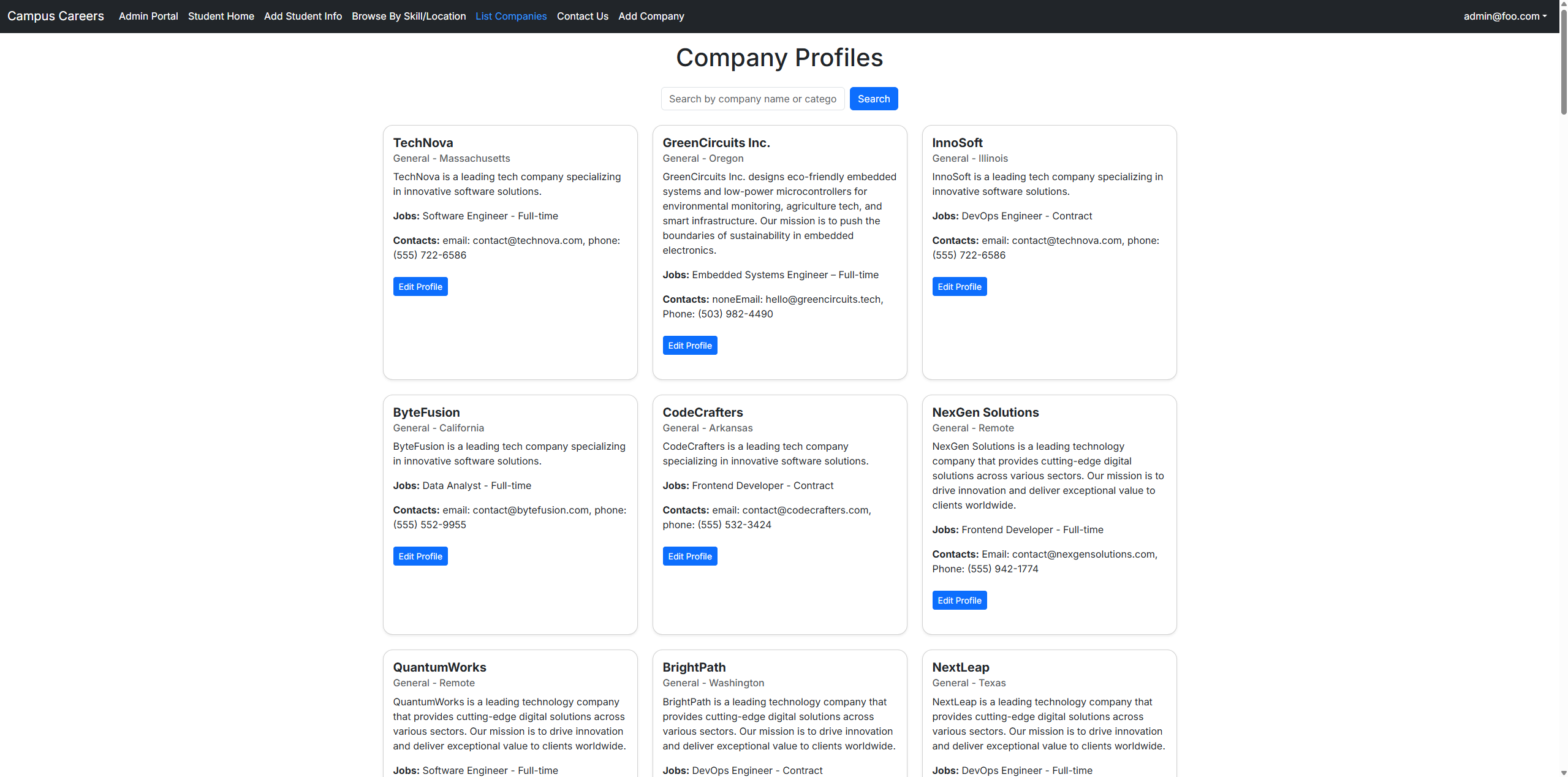
Company Pages:
- Company overview
- Location
- List of commonly recruited positions with skills, type (internship/full-time), desired hires, and salary range
- Contact info and links
-
Student Profiles:
- Skills and interests
- Preferred location
- Portfolio links
-
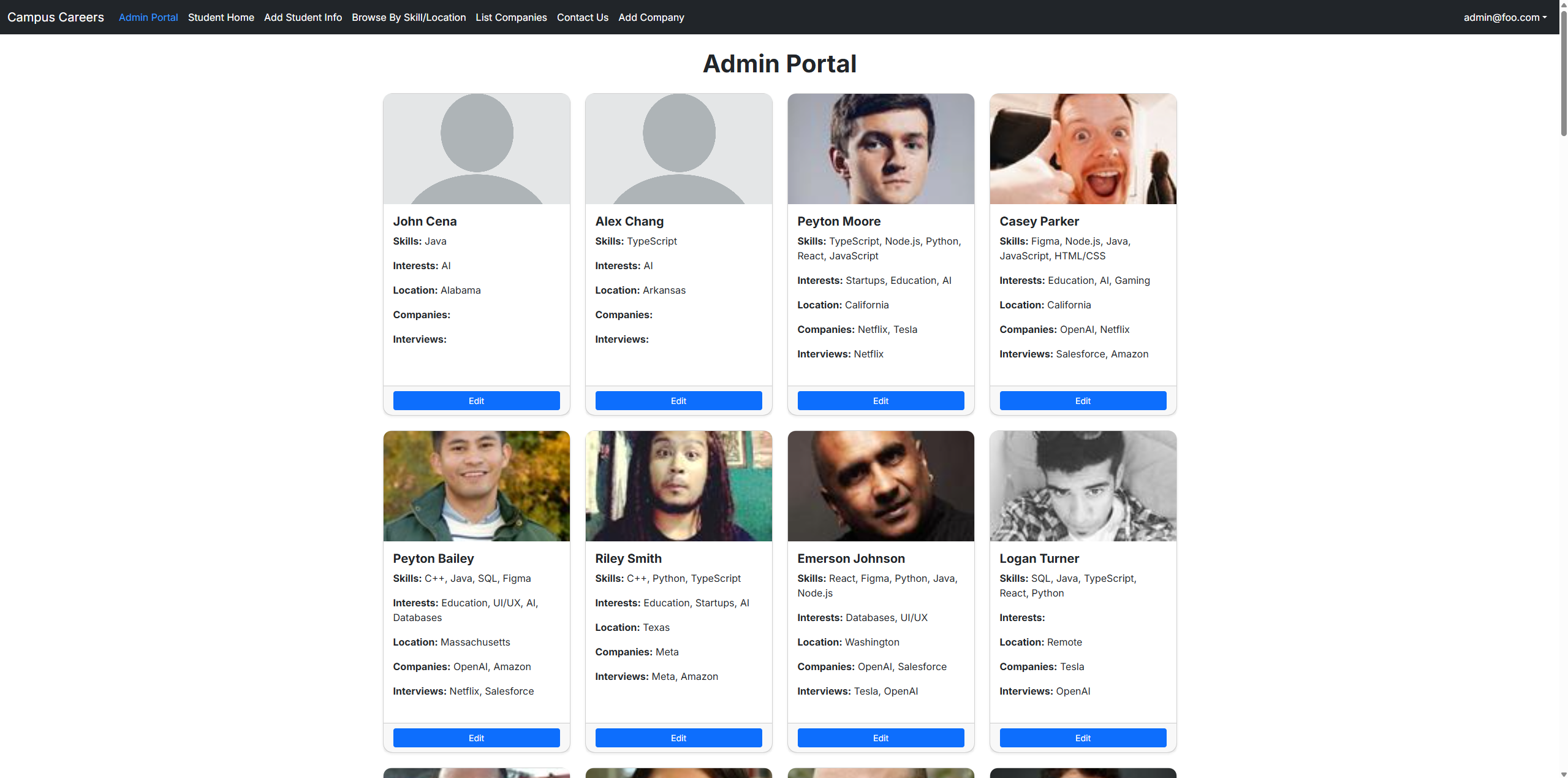
Admin Features:
- Monitor content
- Manage skills and geographic categories
-
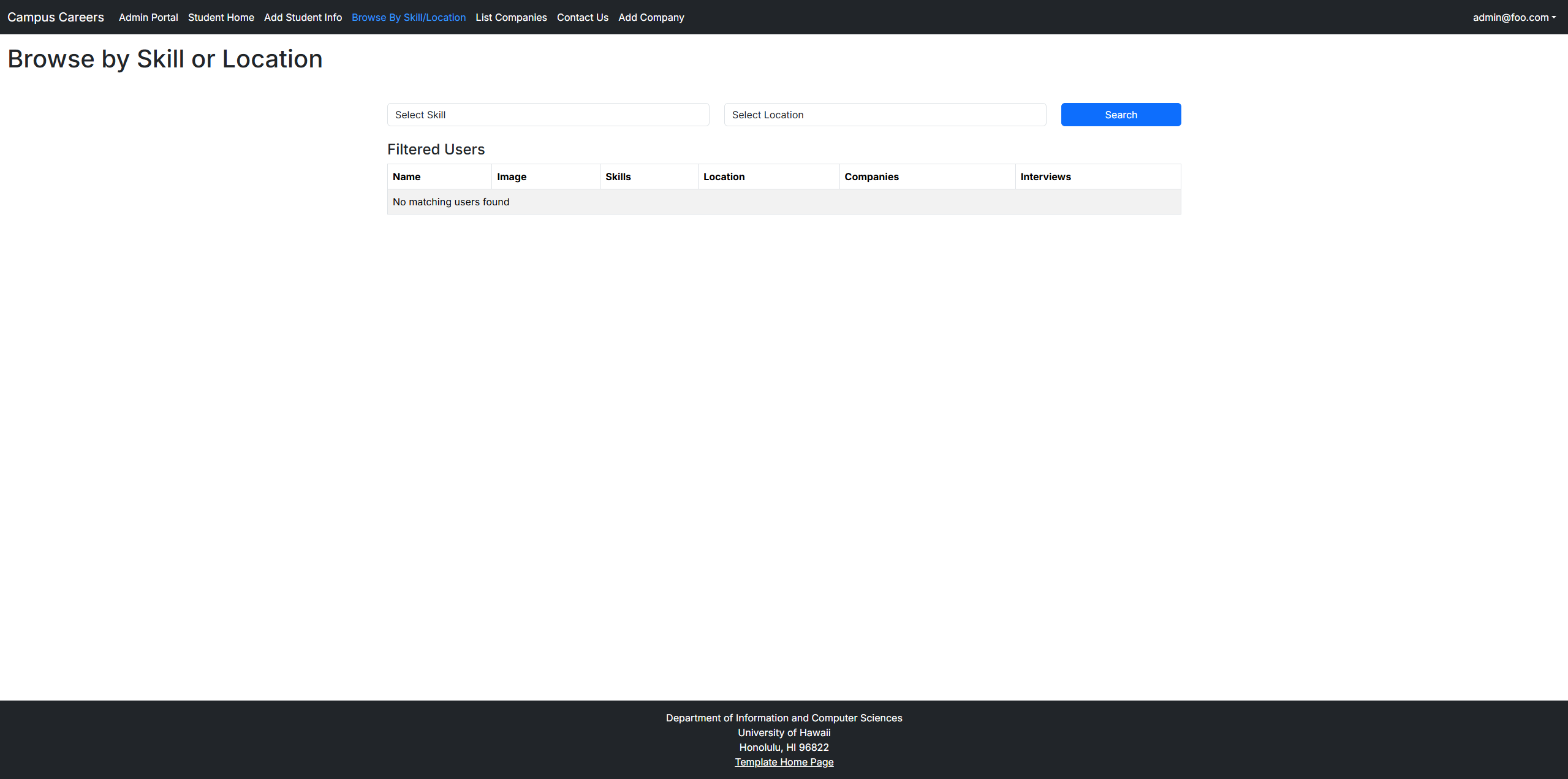
Search & Filter:
- Students and company matching
Link to Webpage
User Guide
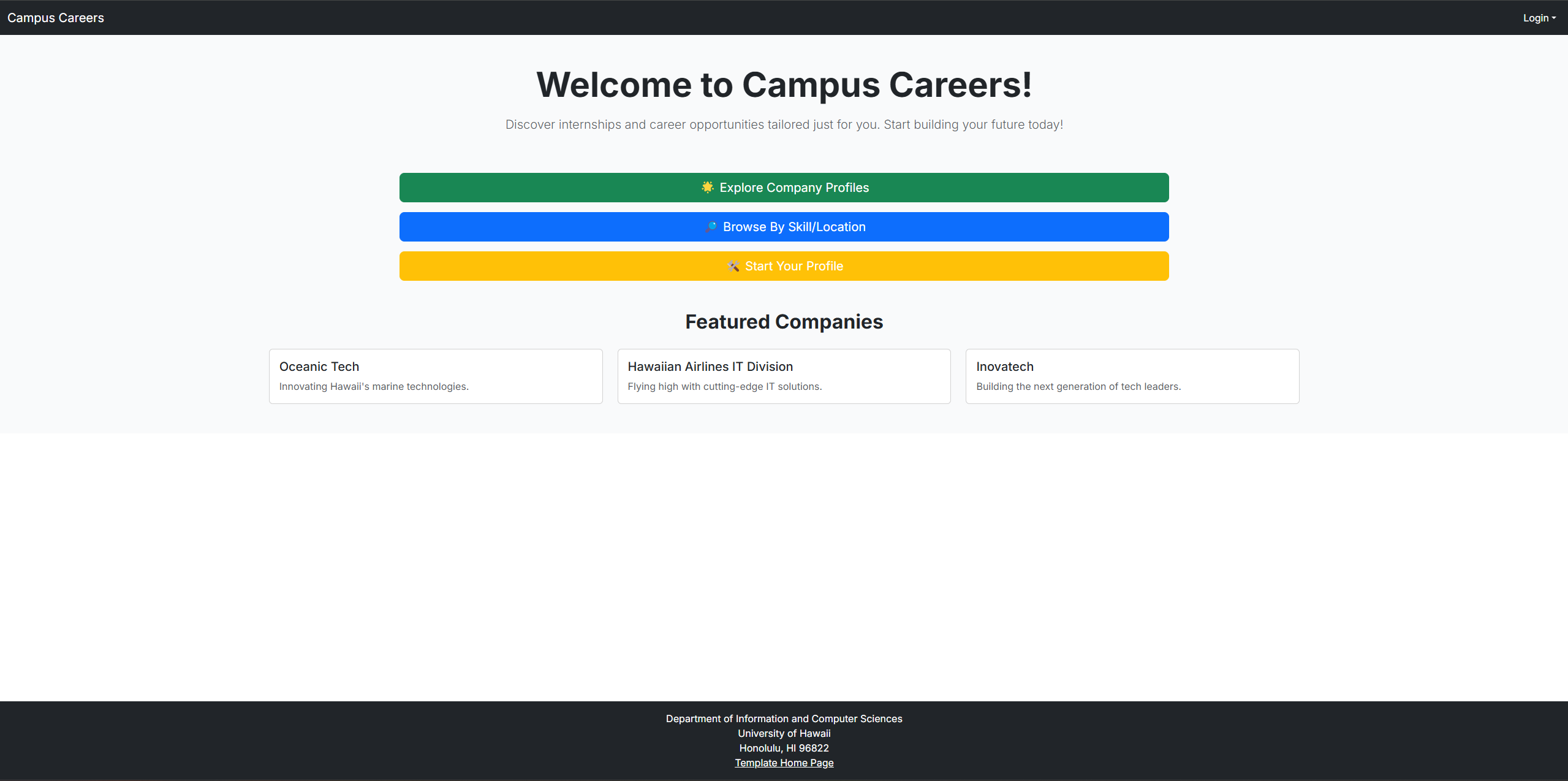
1. Landing Page
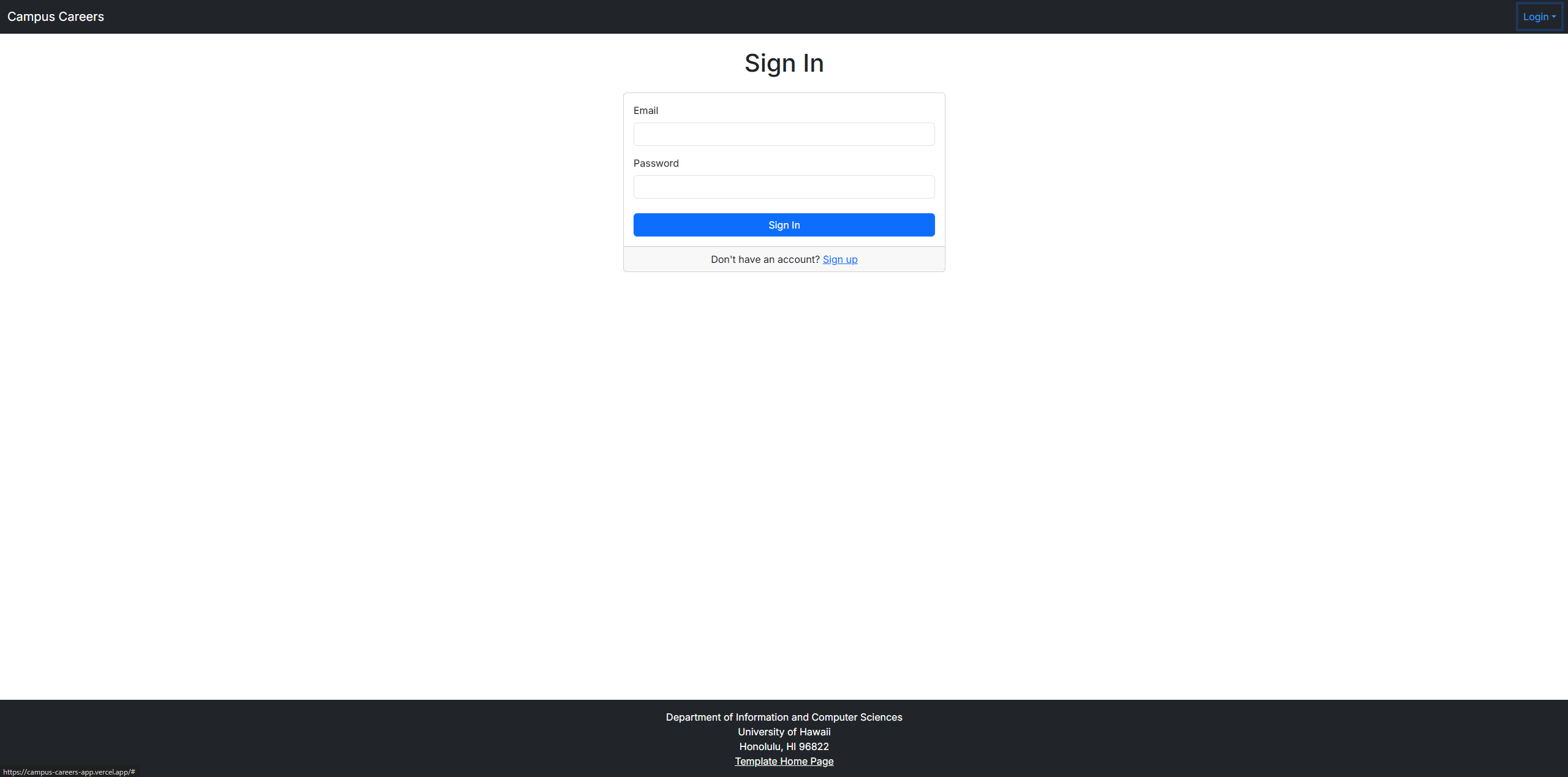
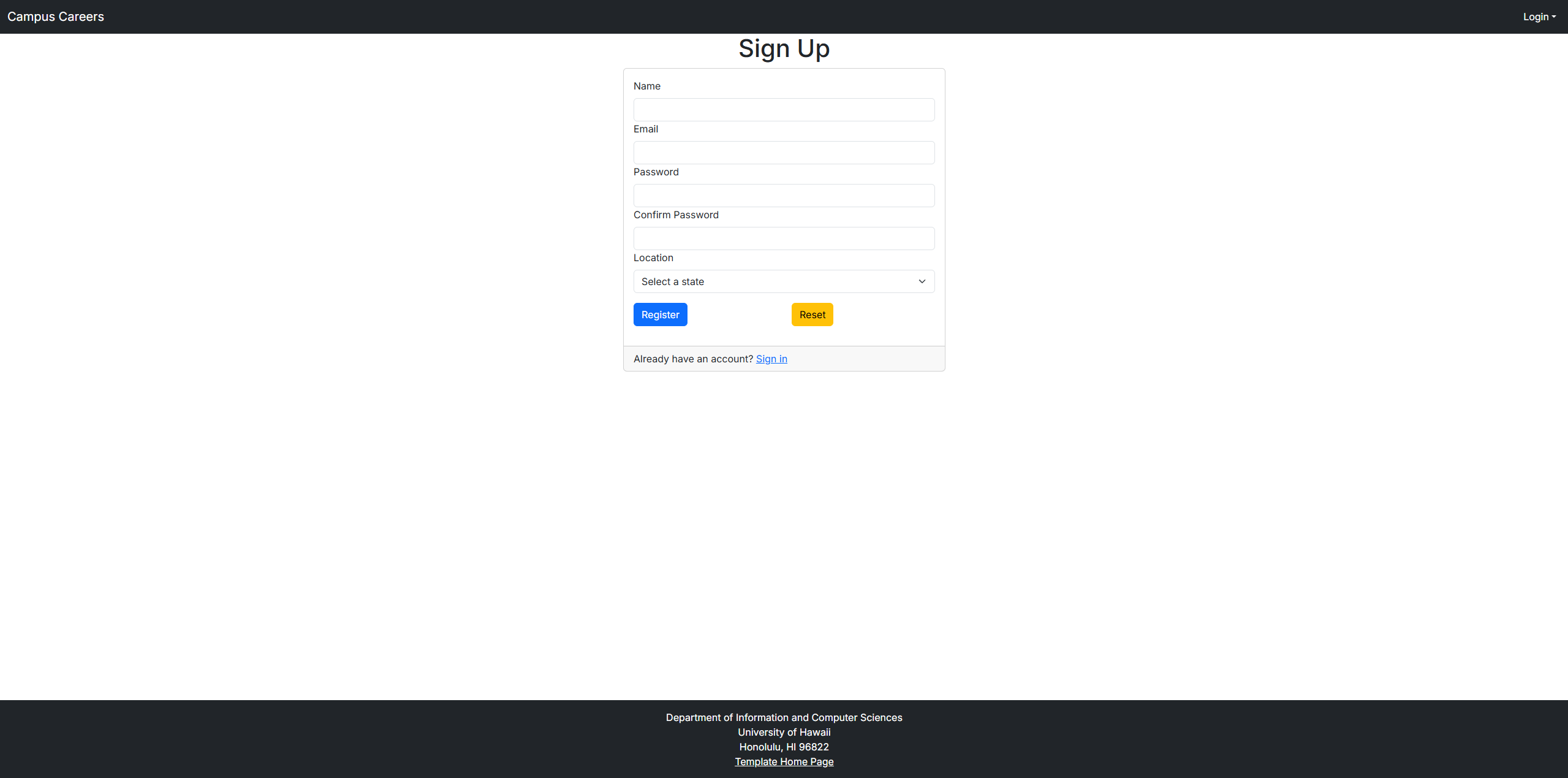
2. Login / Sign Up Page
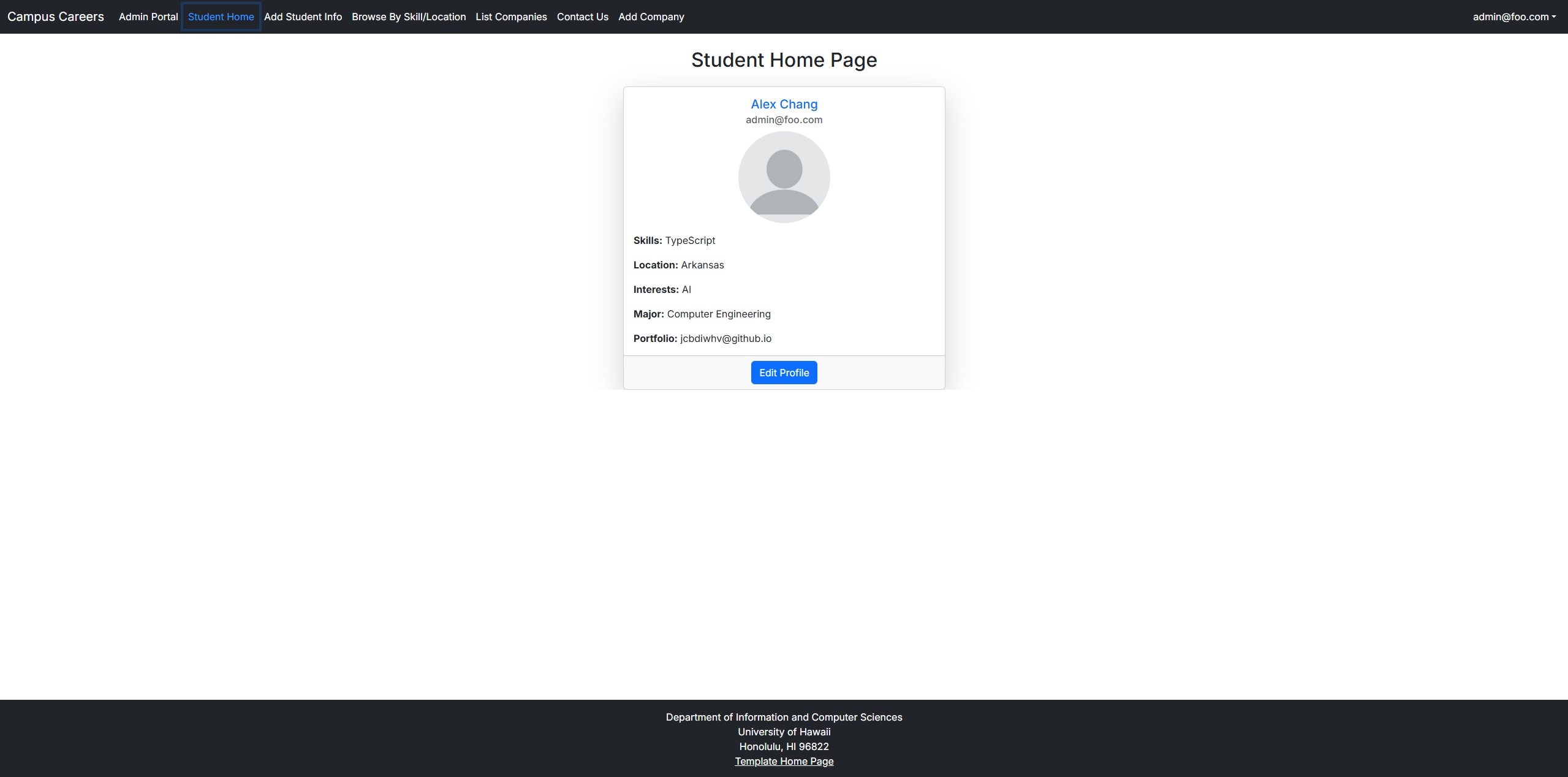
3. Student Home Page
4. Company Listing Page
5. Browse Skill / Location Page
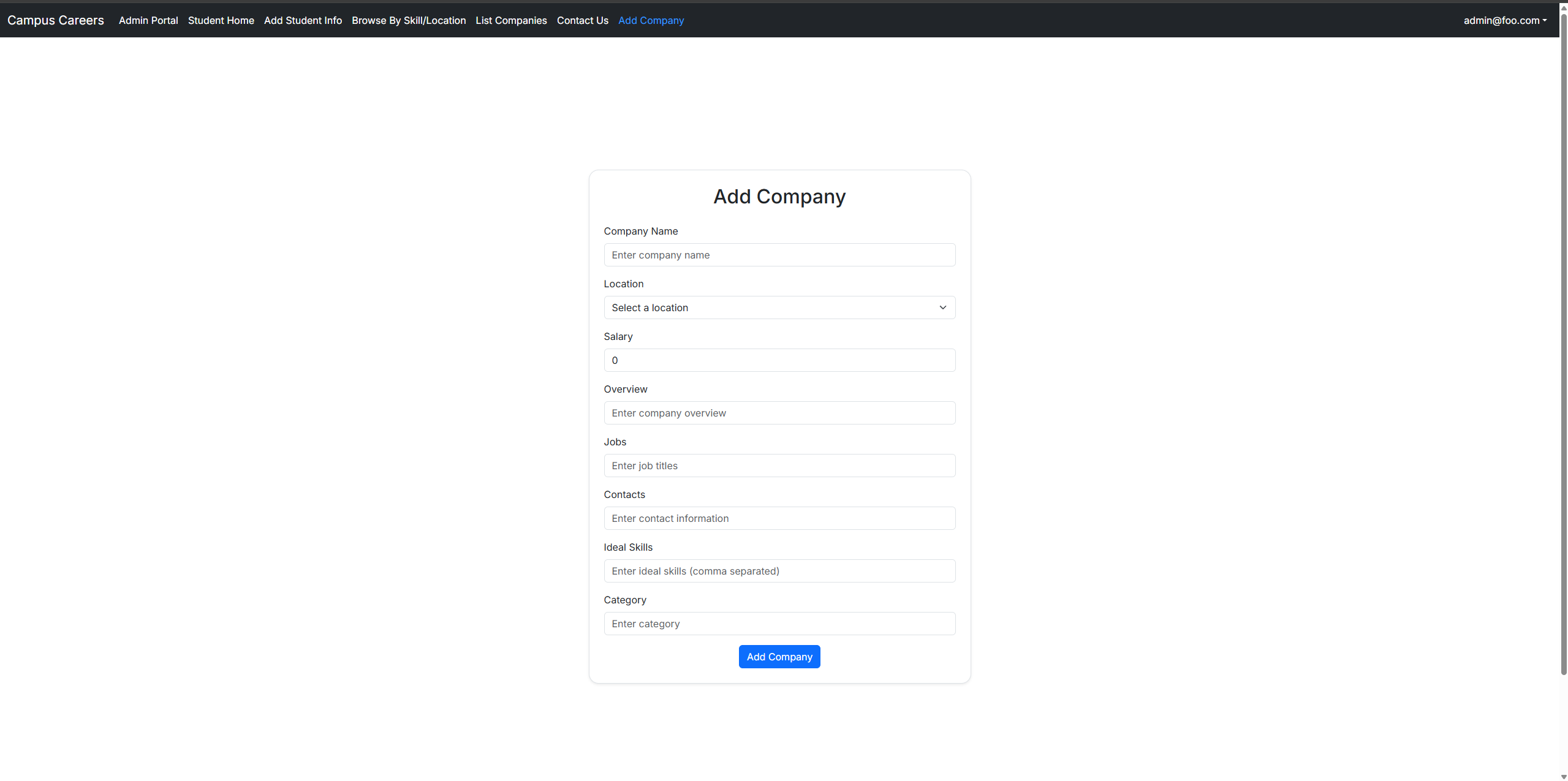
6. Create Company Page
7. Administration Edit Page
Developer Guide: Setup
CLONE THE REPOSITORY
Clone the repository to your local machine using Git.
git clone https://github.com/campus-careers/campus-careers-app.git
cd your-repo-name
INSTALL DEPENDENCIES
Install Node.js and npm (if not already installed):
- Download for Windows/macOS: https://nodejs.org/en/download
- Ubuntu/Debian:
sudo apt install nodejs npm
Install PostgreSQL:
- Official download page (Windows/macOS/Linux): https://www.postgresql.org/download/
- Homebrew (Mac):
brew install postgresql - Ubuntu/Debian:
sudo apt install postgresql postgresql-contrib
Make sure you have Node.js (v18+) and npm installed. Then install the project’s dependencies:
npm install
SET UP THE ENVIRONMENT FILE
Create and configure your local environment file:
cp sample.env .env # Use `copy sample.env .env` on Windows
Update the DATABASE_URL in the .env file:
DATABASE_URL=postgresql://<username>:<password>@localhost:5432/your-database-name?schema=public
Tip: If you don’t have a PostgreSQL user yet, you can create one using:
createuser your-username --pwprompt
Then grant it access to the database if needed.
Copy the example environment file and edit it with your settings:
cp sample.env .env
Update the DATABASE_URL in the .env file:
DATABASE_URL=postgresql://<username>:<password>@localhost:5432/your-database-name?schema=public
DATABASE SETUP (PostgreSQL + Prisma)
Make sure PostgreSQL is running locally before running these commands.
If you’re using Windows and don’t have CLI tools like createdb, consider using pgAdmin or DBeaver.
1. Create the database:
createdb your-database-name
2. Run migrations to set up tables:
npx prisma migrate dev
3. Seed the database with sample data:
npx prisma db seed
Tip: Ensure that you have a valid seed file defined in prisma/seed.ts or prisma/seed.js.
If not set up, seeding will fail. See Prisma docs: https://www.prisma.io/docs/guides/database/seed-database
npx prisma db seed
CODE LINTING AND FORMATTING
Run ESLint to check the codebase for errors and style issues. This helps maintain code quality and consistency.
npm run lint
STARTING THE DEVELOPMENT SERVER
This command runs the Next.js development server.
By default, it starts at http://localhost:3000
Open your browser and go to that URL to view the app.
npm run dev
TESTING THE APPLICATION (Manual Verification)
To test if the app works:
- Open a terminal.
- Run the development server with
npm run dev. - Open your browser and go to: http://localhost:3000
- Navigate through the app and verify the landing page and features are loading properly.
Developer Guide: Prisma Schema
Enums
- Role: Defines if a user is a USER or ADMIN
- Skill: Lists various programming languages, technologies, and other skills
- Locations: Represents various U.S. states and Remote as a location
AdminList
Represents a list of administrative users with their contact and profile details.
Fields
- id: Auto-incremented unique identifier.
- email: Unique email address.
- name: Name of the admin.
- skills: List of skills associated with the admin.
- location: The location of the admin.
- interests: List of interests of the admin.
- image: URL or filename of the admin’s image.
- interviews: List of interviews conducted by the admin.
- companies: List of companies managed or associated with the admin.
Company
Represents a company or organization. This model holds details about the company, such as name, location, salary, and available jobs.
Fields
- id: Auto-incremented unique identifier.
- name: Unique name of the company.
- location: The company’s location (from the Locations enum).
- salary: Salary offered by the company.
- overview: A brief overview of the company.
- jobs: List of available jobs in the company.
- contacts: Contact information for the company.
- idealSkill: List of skills that the company seeks in candidates.
- userId: Foreign key linking to the User who owns or is associated with the company.
- category: The category of the company (defaults to “General”).
Relationships
- A Company belongs to a User (many-to-one relationship).
ContactMessage
Represents a contact message sent by a user to the system. It includes the sender’s name, email, and the message.
Fields
- id: Auto-incremented unique identifier.
- name: Name of the person sending the message.
- email: Email of the sender.
- message: The content of the message.
- createdAt: The timestamp when the message was created (defaults to now()).
Filter
Represents a filter used to search or categorize users based on skills and locations.
Fields
- id: Auto-incremented unique identifier.
- skills: List of skills that are part of the filter.
- locations: Location where the user is located or searching for.
Interview
Represents an interview between a student and a company. It includes details such as the date, company, and any notes.
Fields
- id: Auto-incremented identifier for the interview.
- date: The date of the interview.
- company: Name of the company conducting the interview.
- notes: Optional notes about the interview.
- studentId: Foreign key linking to the User (student).
- student: Relation to the User model (student).
Relationships
- Each Interview is associated with a single User (student) through studentId.
Location
Represents a specific location. This model contains unique location names.
Fields
- id: Auto-incremented unique identifier.
- name: Unique name of the location.
Relationships
- Locations are used in User and Company models to represent the location of a user or company.
SkillEntry
Represents a unique skill that can be associated with users, companies, or job listings.
Fields
- id: Auto-incremented unique identifier.
- name: The name of the skill (e.g., JavaScript, Python).
Student
Represents a student profile in the system. It includes the student’s name, skills, location, and other relevant details.
Fields
- id: Auto-incremented unique identifier.
- name: The student’s name.
- email: Unique email address.
- skills: List of skills that the student possesses.
- image: URL or filename of the student’s image.
- location: Location of the student.
- companies: List of companies the student is interested in.
- interviews: List of interviews the student has attended.
- interests: List of interests.
- major: The student’s major (optional).
- portfolio: The student’s portfolio URL (optional).
User
Represents a user of the platform, which could be a student or an admin. A user can have multiple interviews, skills, interests, and more.
Fields
- id: Auto-incremented unique identifier.
- email: Unique email address.
- password: The user’s password (hashed).
- role: Defines if the user is a USER or ADMIN.
- name: Name of the user.
- location: The location of the user (from the Locations enum).
- skills: List of skills related to the user (many-to-many relationship with Skill).
- interests: List of interests of the user.
- image: URL or filename of the user’s image.
- major: The user’s major (optional).
- portfolio: The user’s portfolio URL (optional).
- companies: List of companies the user is associated with.
- interviews: List of interviews the user has participated in (one-to-many relationship with Interview).
Relationships
- A User can have multiple Interviews.
- A User can belong to multiple Companies.
Community Feedback
Dora C.
- Observations: Worked on mobile, easy registration process
- Questions: Can I put dummy data in the form
- Quotes: “Wow, you guys made this? Looks nice but I’m not looking for a job right now”
- Rating: 3.5/5
Mano C.
- Observations: can be navigated but slightly confusing wording??
- Questions: What is this even for..?
- Quotes: “You should put a direct contact form for students to companies”
- Rating: 4.5/5
Evan E.
- Observations: Worked on mobile
- Questions:
- Quotes: “The registration is a little squished on mobile”
- Rating: 4/5
An S.
- Observations: easy to use and basic enough for any skill level
- Questions: How long did it take
- Quotes: “Very creative! Good job”
- Rating: 5/5
Schy V.
- Observations: works but not the cleanest in every browser
- Questions: How the search function should work?
- Quotes: “The search button is cutoff on my phone, I only see ‘sea’”
- Rating: 4/5
Use Cases
- A new user visits the landing page, logs in, and creates a profile.
- An admin logs in to review and manage categories and users.
- A student searches for companies that match their skillset and location preferences and reaches out.
Advanced Feature Ideas
- Notification system via email or SMS.
- Activity tracking and analytics for companies.
- Enhanced filtering and personalized recommendations.
About
Campus Careers is the final project for ICS 314, Spring 2025. It is developed using modern web technologies including Next.js, React, Bootstrap, and Prisma.
For more information, contact:
| Name | |
|---|---|
| Cam Moore | cmoore@hawaii.edu |
| Chad Morita | chadmmm@hawaii.edu |
| Dan Port | dport@hawaii.edu |
| Brook Conner | dbconner@hawaii.edu |
Information and Computer Sciences
University of Hawaii
Developments
- Campus-Careers M1 Project Board
- Campus-Careers M2 Project Board
- Campus-Careers M3 Project Board
- Campus Careers Application
-
Team Contract
Powered by the Morea Framework (Theme: spacelab)